Import memories
If you already keep useful preferences in another assistant, you can review and bring those preferences into your personal Sonar Legal memory.
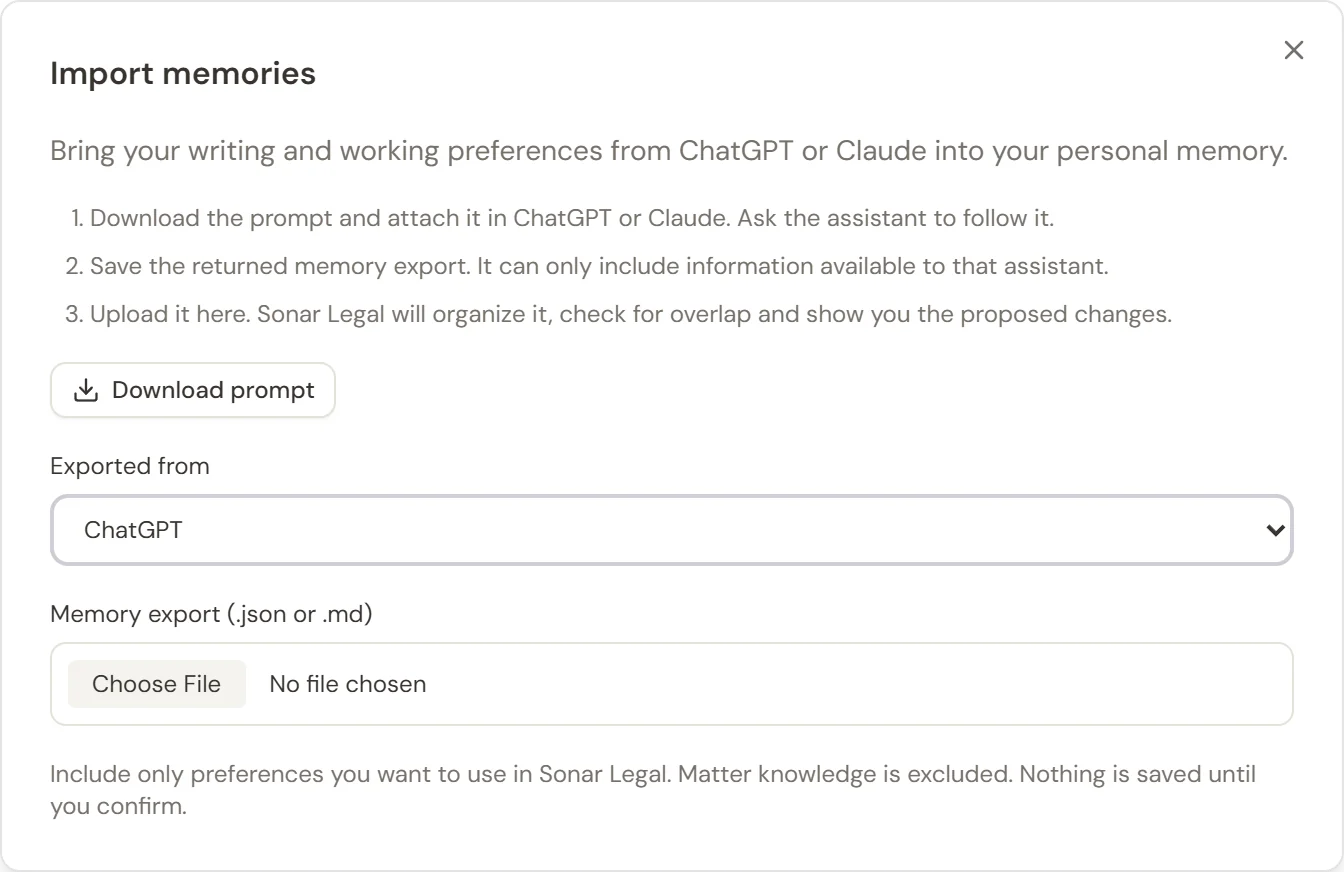
Prepare the export
- Open Memory in the Sonar Legal App and select Import memories.
- Select Download prompt.
- Attach that prompt in the assistant you are exporting from and ask it to follow the instructions.
- Save the returned memory export as a JSON or Markdown file.
The export can include only information available to that assistant. This does not give Sonar Legal access to the other account or import its entire conversation history.
Upload and review
- In Import memories, choose the source under Exported from: ChatGPT, Claude, or Another assistant.
- Choose your exported .json, .md, or .markdown file. It must be smaller than 128 KB.
- Wait for the proposed changes.
- Review each item before confirming. New adds a preference; Update changes an existing one; Already remembered means it overlaps with something you already have.
- Select Import memories to confirm, or choose another file if the export needs correction.
Nothing is saved until you confirm. The import is for your personal working and writing preferences; matter knowledge is excluded. Remove client-specific facts and instructions you do not want applied to other work before uploading.
After importing
Return to Manage memory to review the saved points, correct their wording, change their topics, or forget anything you do not want to keep.
If the export has already been imported or contains nothing new, the review will say so. You do not need to create duplicates. If a file is rejected, check its type and size and use the supplied export prompt to prepare a fresh file.