Automation
Streamline the process of filling in repeated placeholders throughout your document automatically.
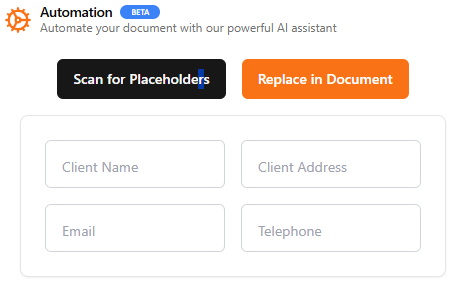
- Placeholder Scanning: Scans your document for placeholders in the format
[Placeholder](e.g.,[Customer Name],[Customer Address],[Email], etc.). - Interactive Filling: After clicking "Scan for Placeholders," all detected placeholders are listed for you to fill in.
- Batch Replacement: Clicking "Apply" automatically replaces all placeholders with the provided information.