Partner Actions
Use Partner > Actions when you know the task you want to perform. Select the relevant text in Word where the action needs a selection, then choose the action.
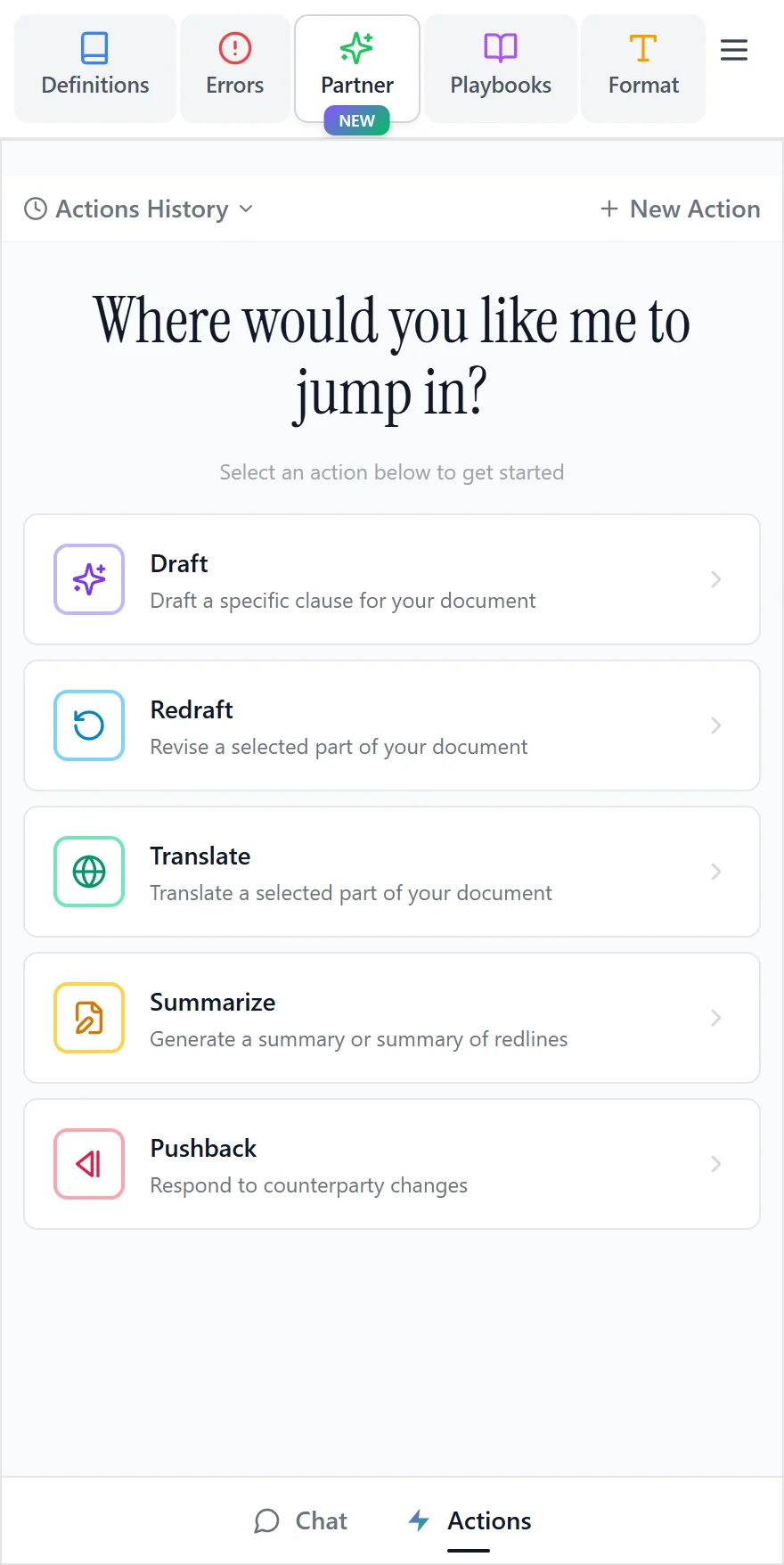
Draft
Describe the clause you want and whose position it should reflect. Where the action offers a knowledge option, choose whether to use it; if two suggestions are returned, compare them before inserting one.
Use Insert at Cursor to choose the location yourself, or Insert to use the suggested location. Choose whether to insert the clause as a tracked change or as ordinary text. For tracked changes, confirm the author name that should appear. Review the surrounding provisions after insertion. For an entire document or memorandum, use Partner Chat.
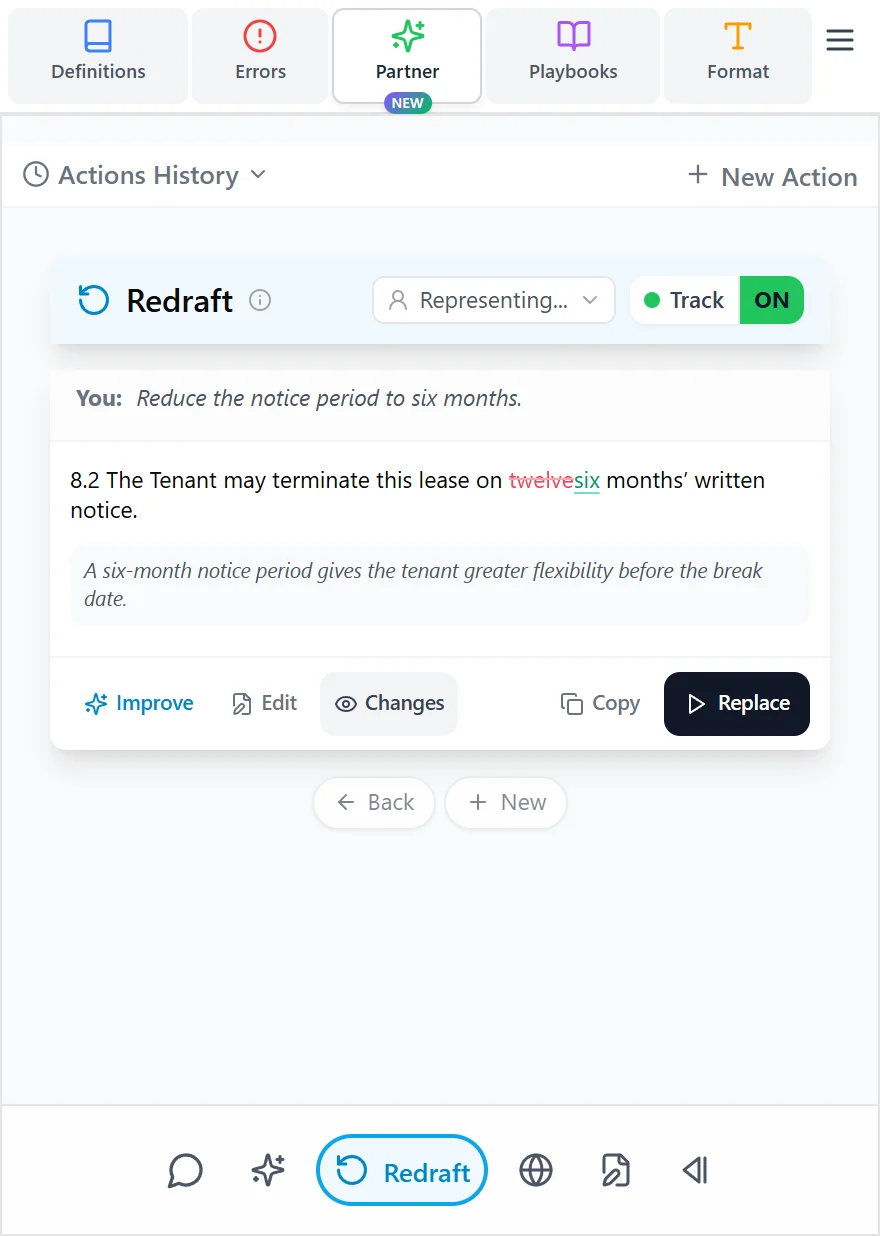
Redraft
- Select the clause or paragraphs you want to change in Word.
- Choose Redraft and explain the change you want.
- Review the suggestion, including any alternative result returned with your selected knowledge option.
- Choose whether to apply it as tracked changes.
- Select Replace when you are ready.
A selection is required. If the action asks you to select text, return to Word, highlight the intended passage, and try again.
For tracked changes, confirm the author name that should appear in the document. Follow your firm's practice for using your own name or your organization's name. Where offered, review and edit the accompanying comment for an internal or counterparty audience before inserting it.
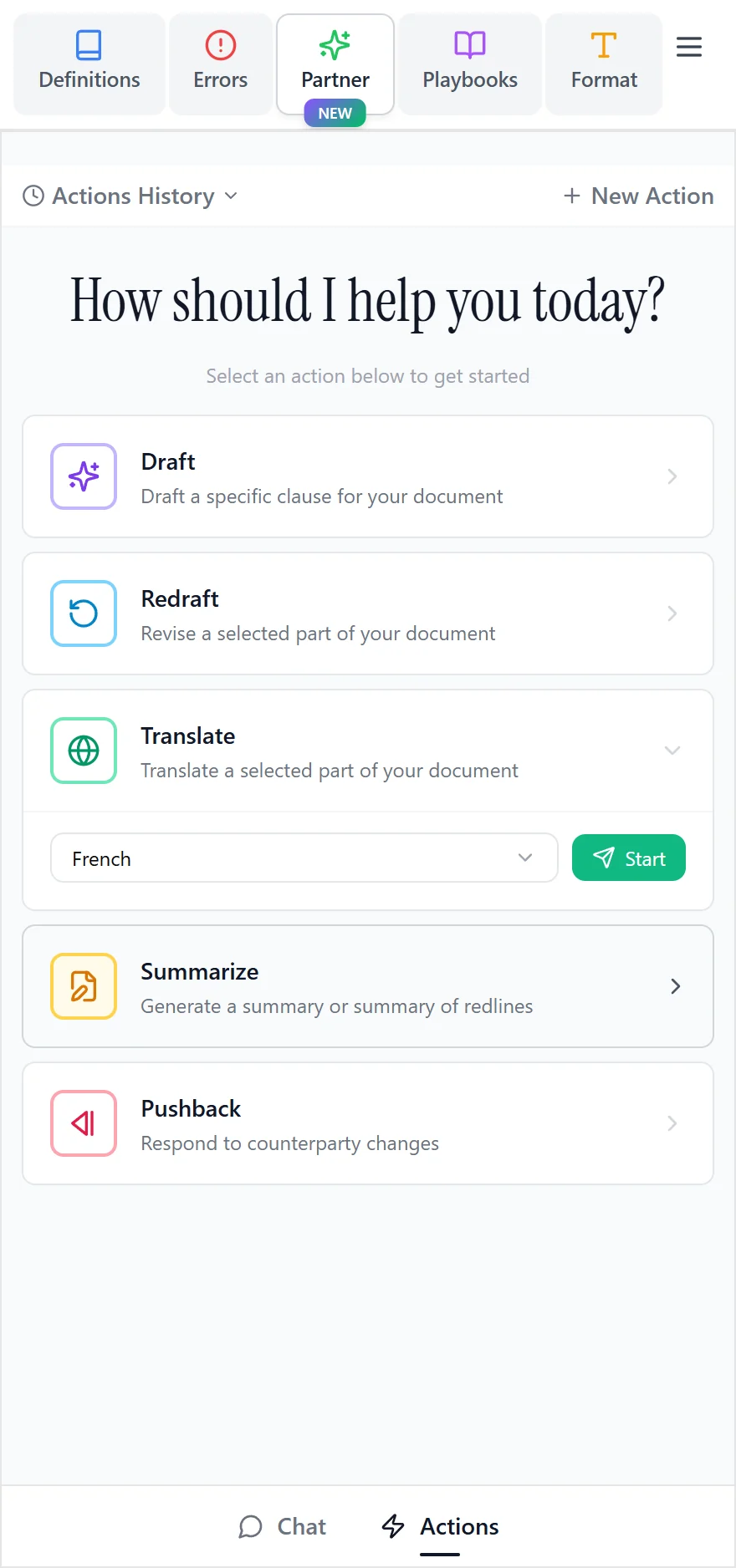
Translate
Select the passage and choose the target language. Check the suggested language before running the action: the initial choice may depend on the source language and your organization's language settings.
Review the translation and use the available replacement or insertion option. Check defined terms and the surrounding wording in the translated document.
Summarize
Choose the material you want summarized:
- Entire document: a table with the clause name, a concise summary, and Attention Points.
- Selection: a focused summary of the highlighted text in the same table format. Select enough text to give the action useful context.
- Redlining: a summary of tracked changes, including the original wording, revised wording, and an explanation. The document must contain tracked changes for this review.
Pushback
Select the counterparty authors whose redlines you want to address and explain your negotiating position. Review the proposed counter-redlines and replies to comments before applying them.
Improve a result
Use Improve on an action result to request a further change. For example: “Keep the proposed cap, but make the exception narrower.” Review the new version before applying it. You can repeat this without starting the original action again.
After any action, check the actual Word document, including numbering, related terms, tracked changes, and comments, before sharing it.