Errors
Use Errors for a final drafting check or to work through issues while reviewing an agreement.
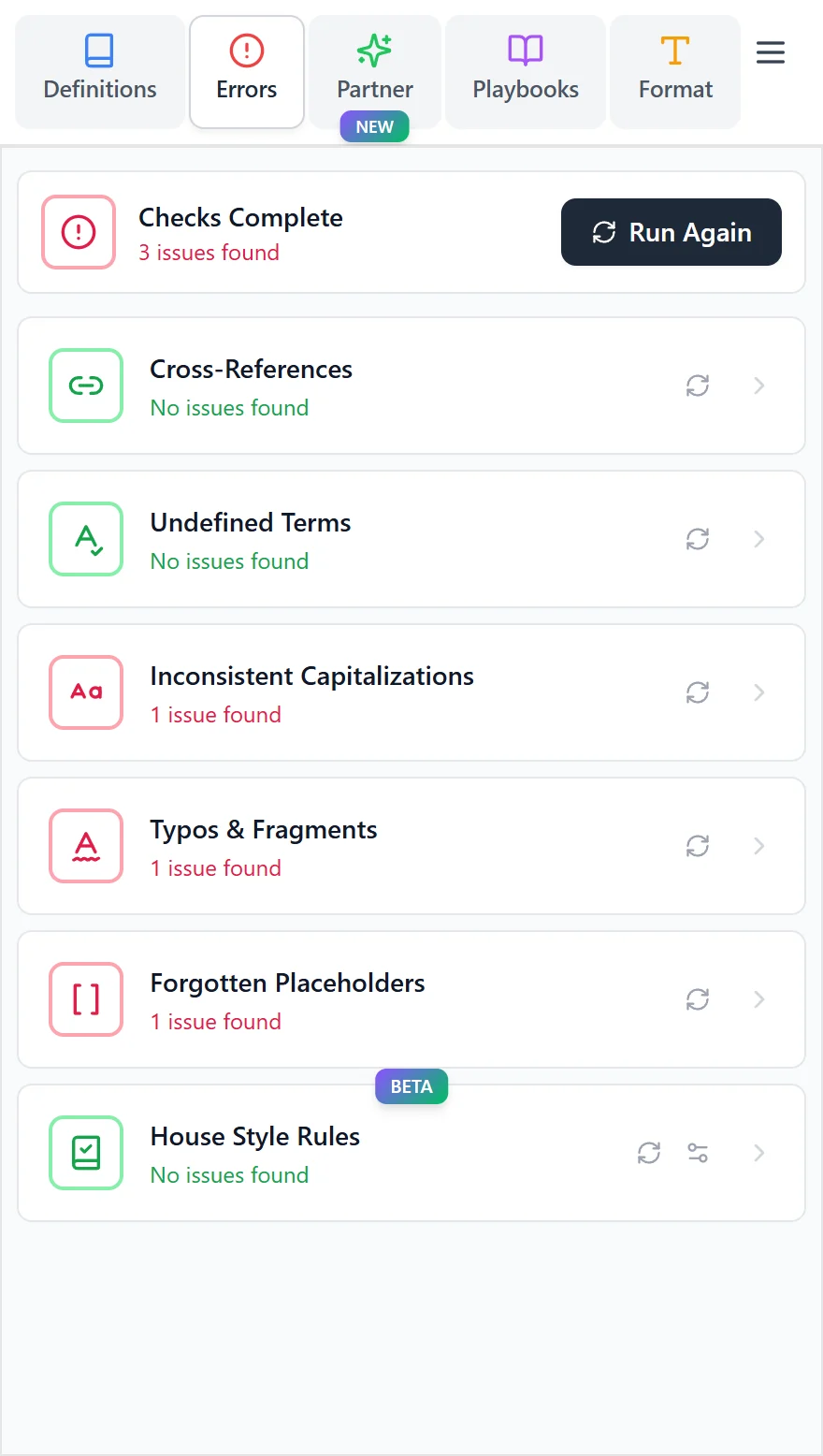
Run the checks
- Open Errors in the Word add-in.
- Select Run all, or run the check you need.
- Open a finding to see the affected wording.
- Move to the occurrence in Word, review the context, and apply an available correction or edit the document yourself.
- Dismiss a finding if the wording is intentional.
What you can check
- Missing or broken cross-references, including references that break when content is copied from another file. Review the suggested link and update it where appropriate.
- Undefined terms that may have been used without a definition.
- Inconsistent capitalization of terms within the agreement.
- Typos and fragments, including wording that may be incomplete.
- Forgotten placeholders before circulating or signing the final version.
If a finding appears several times, use its occurrence controls to check each location. Review a Fix all action carefully before applying it across the document.
After making changes, run the relevant check again. Unlike the Definitions list, the findings are not a continuously refreshed list of everything currently wrong in the document.
For firm-specific drafting conventions, see House styles.