Partner Chat
Partner Chat helps you work with the Word document you have open. Ask about a provision, review risks from your client's perspective, or request a draft or targeted revision without moving the text to another application.
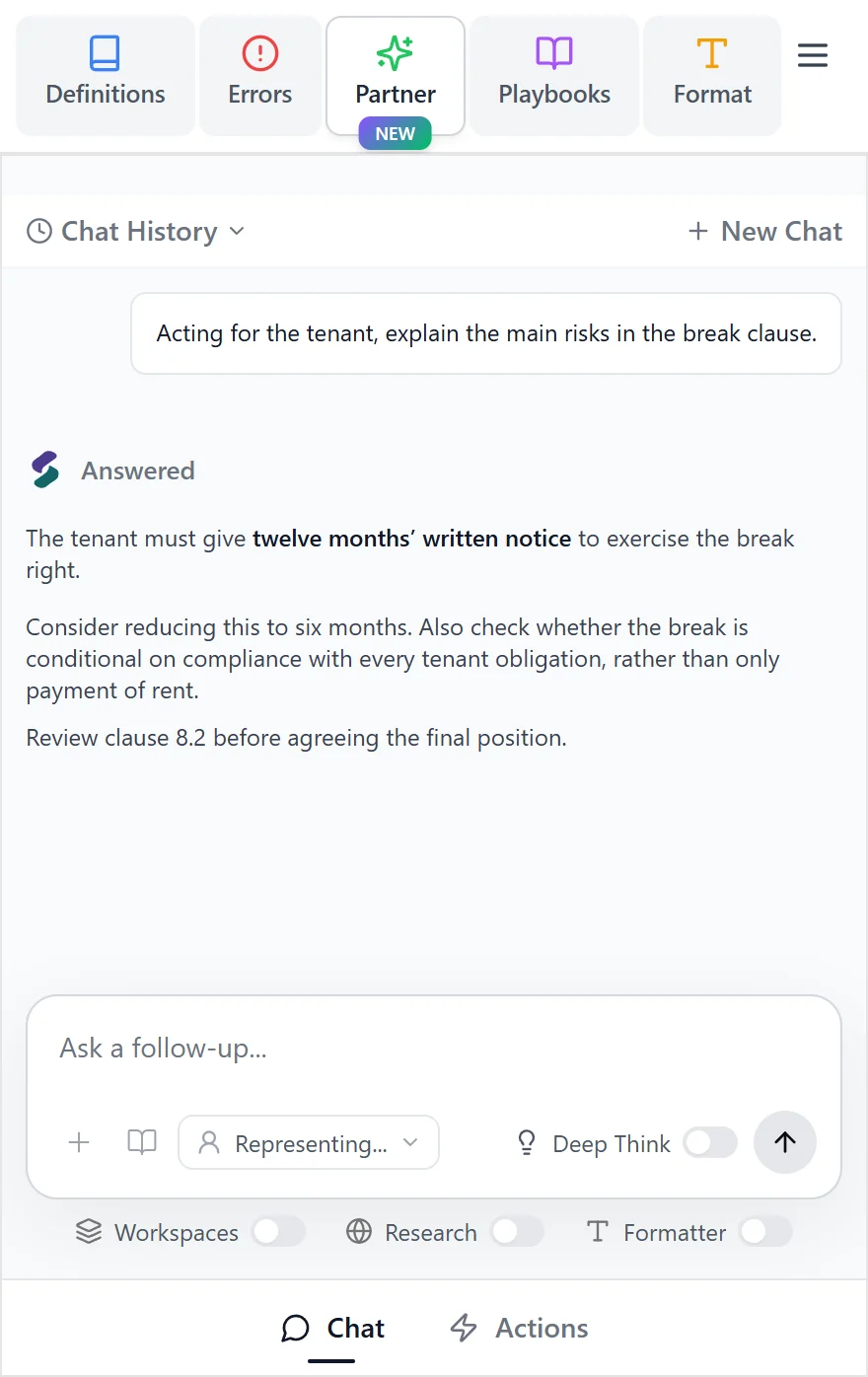
Start a conversation
- Open Partner, then Chat, in the Word add-in.
- State the task, whose interests you represent, and the result you need.
- Select text first if you want to focus on a particular passage.
- Add supporting material when it is relevant, then send your instruction.
- Review the answer, cited passages, and proposed changes.
For repeat instructions, choose a skill. If you need a single drafting or translation task, see Partner Actions.
Analyze a provision
Ask about the meaning or practical effect of a clause: “Explain the termination rights and post-termination obligations.” Open the cited wording to check the answer against the agreement.
Review risks and propose changes
Explain your client's position and the scope of the review. For example: “Acting for the supplier, identify the main liability risks and suggest targeted changes.” You can attach a precedent to show your preferred approach.
Review each proposed change before applying it. Check whether the change belongs only in the selected passage or also needs a related change elsewhere in the agreement.
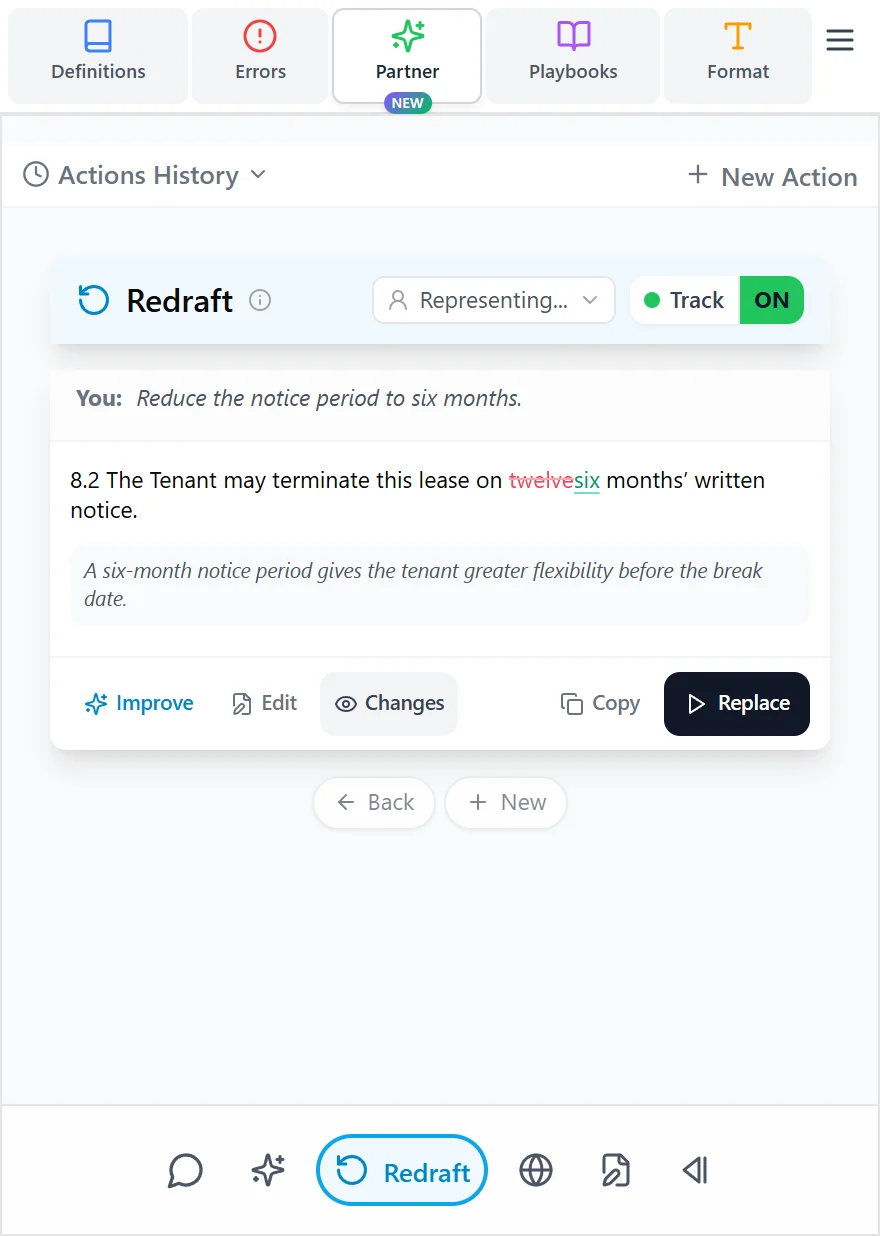
Draft a document or memorandum
Describe the document, its audience, and the source material. Attach research or supporting documents and, if helpful, a sample memorandum to guide its structure. Ask for an outline first when you want to agree the approach before drafting the full document.
Use Chat for a whole-document task. Use the Draft action for a clause or smaller piece of text.
Respond to a counterparty
Ask Partner Chat to review the counterparty's redlines and comments from your client's perspective. State the position you want to defend and where you are willing to compromise. Review the proposed redlines and comment responses before applying them.
Refine the answer
Continue in the same chat to ask a follow-up, narrow the scope, or revise the wording. Be precise about what should change: “Keep the conclusion, shorten the background, and put the outstanding points in a table.” Check the final document as well as the answer in the panel.