Work with PDFs
Open a PDF from your documents to read it, check a cited passage, or use the available editing tools.
Read and find a passage
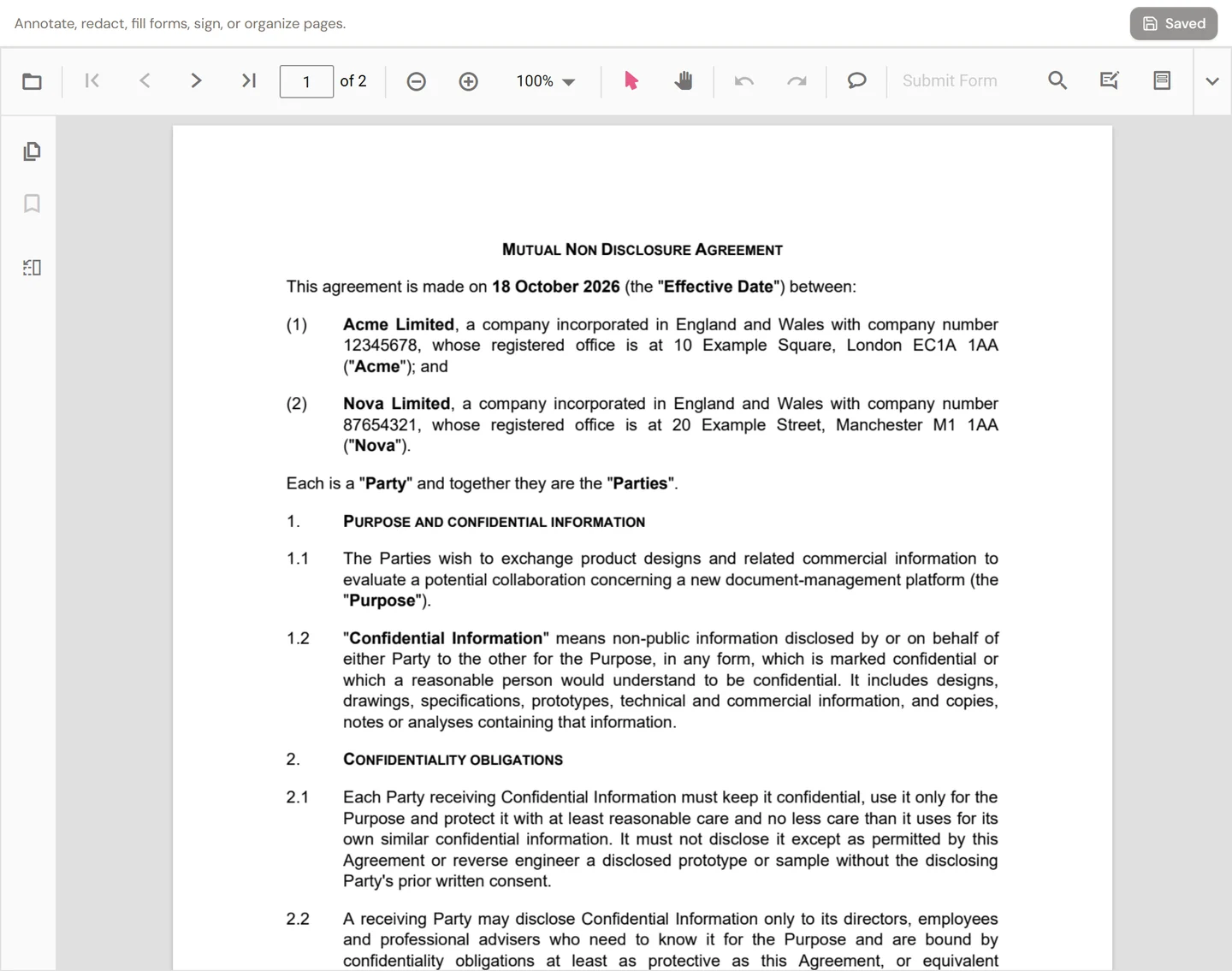
Open the PDF and use page navigation, zoom, and search to find what you need. When arriving from a citation, check the surrounding wording as well as the highlighted passage.
Annotate or edit
In the PDF editing view, use the toolbar for the task you need. Available tools include annotations, redaction, form fields, signing, and page organization. Choose the appropriate tool and review the result on the page.
Annotations add review marks and comments; they do not rewrite the underlying agreement as editable Word text. Use the Word document when you need a text redraft.
Save a version
- Make your edits in the PDF editor.
- Select Save version.
- Wait until the control shows Saved.
- Check the saved version before sending or downloading it.
If saving fails, keep the editor open and retry rather than assuming the changes were retained. For a PDF held in a table, check the document's version history and the effect of making a different version current.
Use the PDF in other work
Add it to a workspace to ask questions across documents, or to a table to extract the same information from several files. A scanned or image-based page may require processing before its text is available for questions.