Find your way around the Sonar Legal App
Use the Sonar Legal App for work across documents and matters. Start with a conversation, or open a saved resource from the navigation.
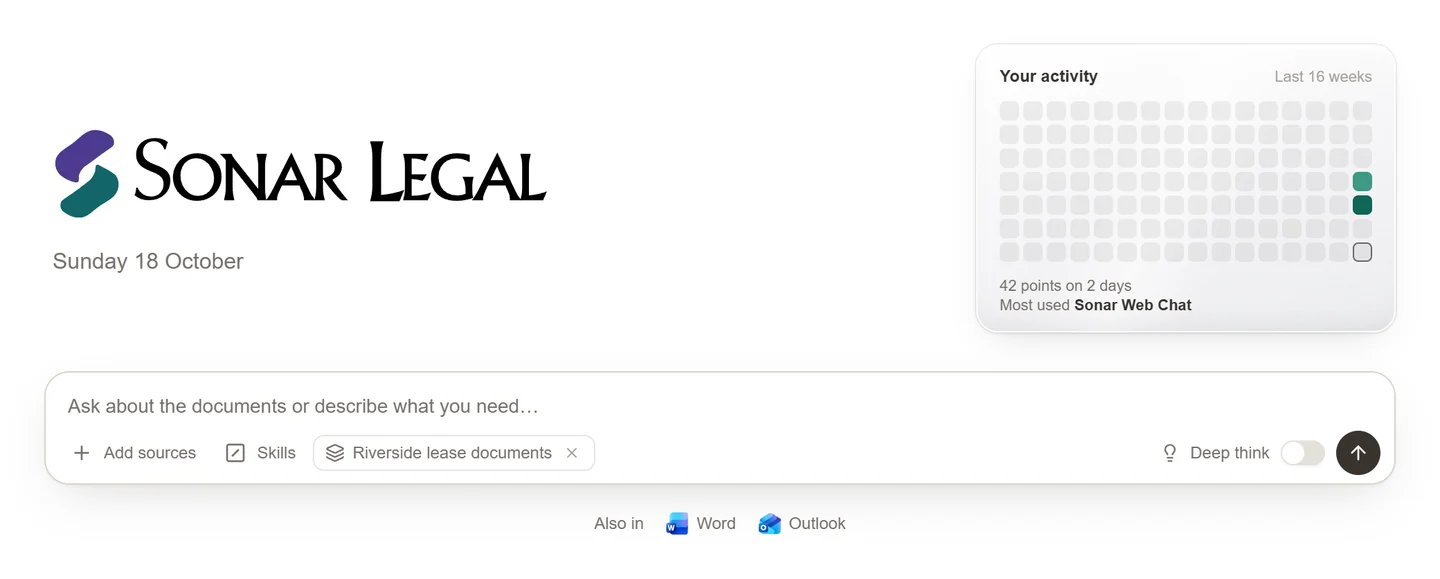
Start with the work you want to do
| What you need | Where to go |
|---|---|
| Ask a question, draft, or research a legal issue | Chat and legal research |
| Collect and ask questions across documents | Workspaces |
| Keep a team's work and resources together | Matters |
| Review the same questions across several files | Tables |
| Assign work and follow its progress | Clerk |
| Use a firm's preferred review positions | Playbooks |
| Reuse instructions | Skills |
| Review remembered preferences | Memory |
| Compare two Word versions | Document Compare |
Begin a conversation
Open a new chat and describe the result you want. Add the documents or choose the workspace, matter, or table you want to use. Check the selected sources before sending the message.
Be clear about your client, the task, and the output: “Acting for the tenant, identify the break-clause risks and prepare a short client email.” You can ask follow-up questions in the same chat to refine the work.
Work on the result
Answers may include source references or a document, table, or diagram you can open beside the conversation. Open the result to review and edit it rather than copying an unfinished response into your final work.
Learn how to edit documents, work with PDFs, or create diagrams and chronologies.
Return to saved work
Use recent conversations or your matter's recent activity to resume where you left off. Keep ongoing client work attached to its matter so you and your colleagues can find the relevant resources together.
Availability depends on your account and your firm's access. If a feature or shared resource is missing, check that you are signed in to the correct organization and ask the owner or your firm's Sonar Legal contact to confirm access.