Your library and connections
Use the Sonar Legal App to keep reusable instructions and review materials available where you need them.
Skills and templates
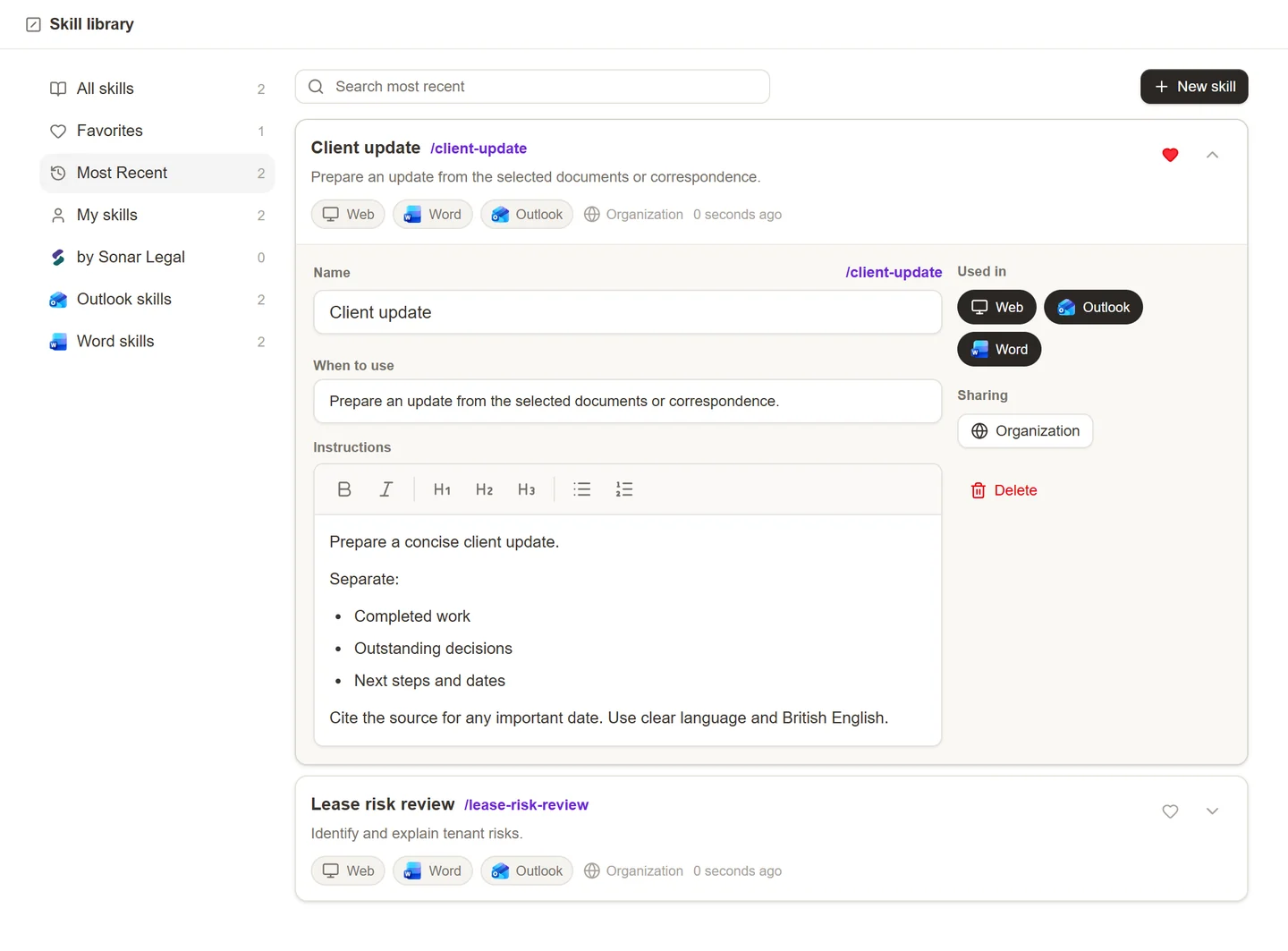
Open Skill library to create, find, and share saved instructions. Choose where each skill is used so it appears in the Sonar Legal App, Word, or Outlook as appropriate. See Skills.
Use templates in the relevant feature when you want a starting structure: Outlook email templates for correspondence, or table templates for a prepared set of review columns. Review a template's contents before using it for a different client or matter.
Playbooks and knowledge
Keep contract-review positions in Playbooks, document collections in Workspaces, and ongoing client resources in Matters. These serve different purposes, so choose the one that matches what you want to reuse or share.
Microsoft connections
Open Settings to review the available integrations. Follow the Microsoft sign-in flow when connecting your account and choose the correct work organization. Some actions require a firm administrator's approval; see Microsoft 365 setup and Clerk Setup.
Connecting your account is separate from sharing a workspace or matter. Review resource access whenever you add colleagues or make something available to the whole organization.
Account or access problems
If an expected resource is missing, check the account and organization you are signed into, then ask the resource owner to review sharing. If a whole feature is unavailable, ask your firm's Sonar Legal contact to confirm that it is included for your account.